
Support
Get your questions answered
- Verifit 2
- Audioscan Noah Module
- Axiom
- Accessories
Getting started
Hardware tour
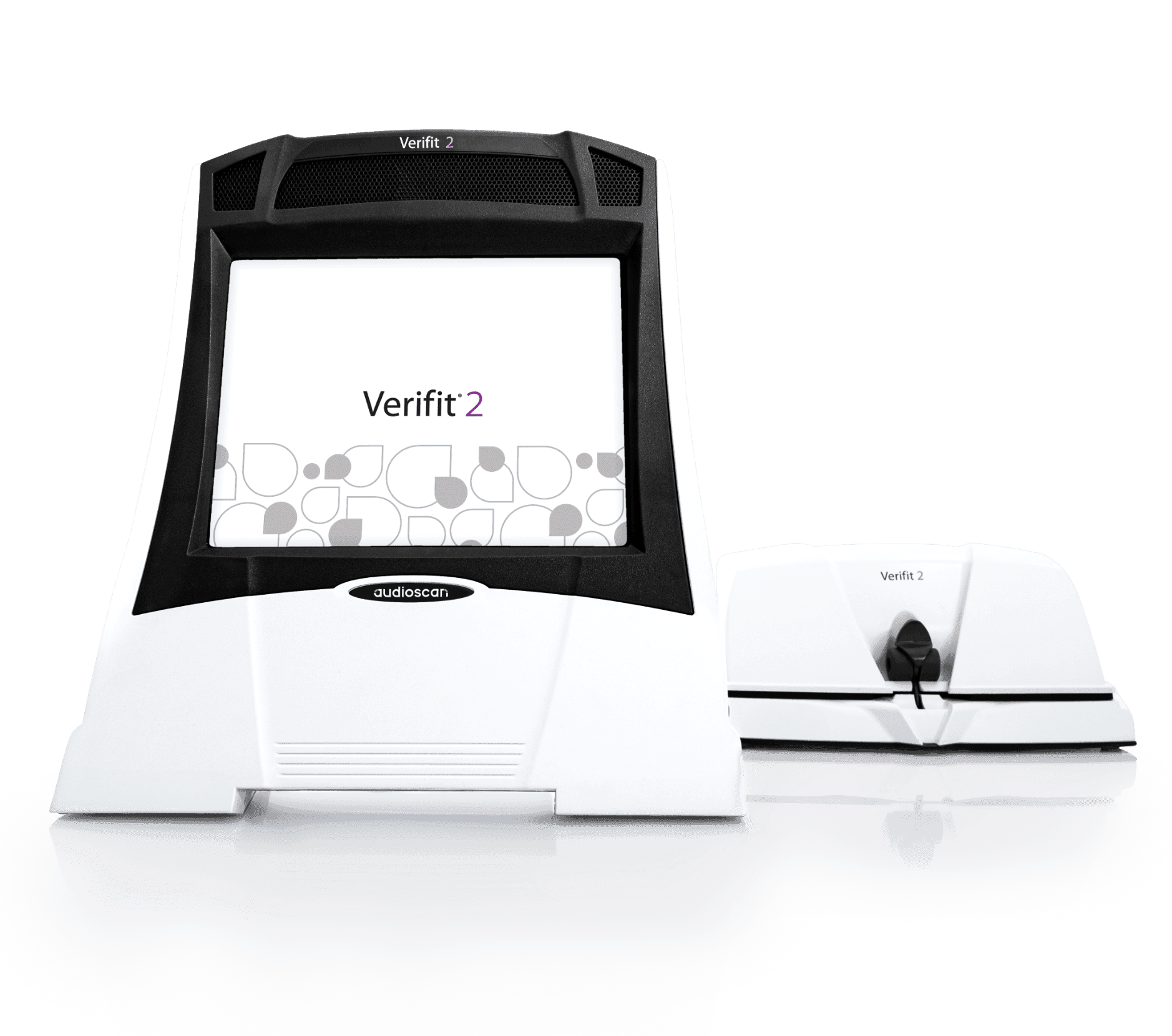
What's in the box? A run-through of all the hardware components of the Audioscan Verifit2 verification system.
Verifit 2 introduction
Setup contains options and parameters to control how the Verifit 2 hardware and software operates.
User guide
Comprehensive instructions for setting up, operating, and maintaining the Audioscan Verifit2, enabling clinicians to perform accurate hearing aid verification, fitting, and diagnostic measurements with confidence.
Speechmap screen tour
Watch a detailed walkthrough of the Speechmap screen in Audioscan systems, highlighting key controls, interpretation of results, and practical tips for efficient use.
Networking the Verifit 2
Learn different techniques to network your Verifit2 and get the most connectivity out of your device.
Troubleshooting
Connection issues
Learn different techniques to network your Verifit2 and get the most connectivity out of your device.
Software installation
Follow along and learn how to install or update your Verifit2 and Noah Module software.
On-ear
Setup contains options and parameters to control how the Verifit 2 hardware and software operates.
Test box
Setup contains options and parameters to control how the Verifit 2 hardware and software operates.
Software features
Download Latest Software
Download latest Verifit2 software
2025.1 Software Features
What’s new in 2025.1 software?
ProbeGUIDE+
software-assisted probe tube placement tool with new dinosaur distractor
New calibrated Speechmap stimuli
New “carrot” and pediatric-friendly dinosaur passage added to Speechmap
Sensory Loss Simulator stimuli
New speech stimuli added to the Sensory Loss Simulator found in the Counseling Tool of Speechmap
ANSI/IEC, Tinnitus Masker, and Hearing Protection instructional content
New sections added to the Verifit2 User Guide providing instruction for conducting ANSI/IEC electroacoustic analysis, tinnitus masker verification, and hearing protection verification
2024.1 Software Features
What’s new in 2024.1 software?
ProbeGUIDE auto-stop
Now, ProbeGUIDE will automatically stop once the probe tube has been placed within 5mm of the eardrum for ~2 seconds.
DSL BCD 2.0
New prescriptive targets released by DSL for the verification of bone conduction devices. DSL-BCD 2.0 targets now include targets for softband fittings and allow for the use of HL audiometric thresholds rather than the traditional use of in-situ thresholds.
Video Recording
Record your Verifit2 screen using the record function available through the Audioscan Noah Module. This feature allows users to easily record their screen for educational, or troubleshooting purposes.
Improved Networking
Simplify the networking process by using IPV6 networking, simpler networking address entry, and the use of hostname instead of IP address to connect.
Additional Language Support
Addition of Japanese, simplified Chinese, and Portuguese to the Audioscan Noah Module language selection expands upon the previously available English, French, German, and Spanish. The Verifit2 User Guide is also now available in Japanese.
2023.2 Software features
What’s new in 2023.2 software?
OTC/DTC Test Suite
Measure audibility and evaluate over-the-counter hearing devices to ANSI/CTA-2051 standards in the Verifit2 test box using the new OTC/DTC Test Suite found at the startup menu.
Easier IP Selection within Audioscan Noah Module
Easily select the IP address of the Audioscan device within the Audioscan Noah Module via a drop down menu. This will simplify the connectivity for offices using multiple Audioscan devices in their clinic.
Japanese Screen Text
Japanese is now available as a selectable option for screen text within the Verifit2.
2023.1 Software features
What’s new in 2023.1 software?
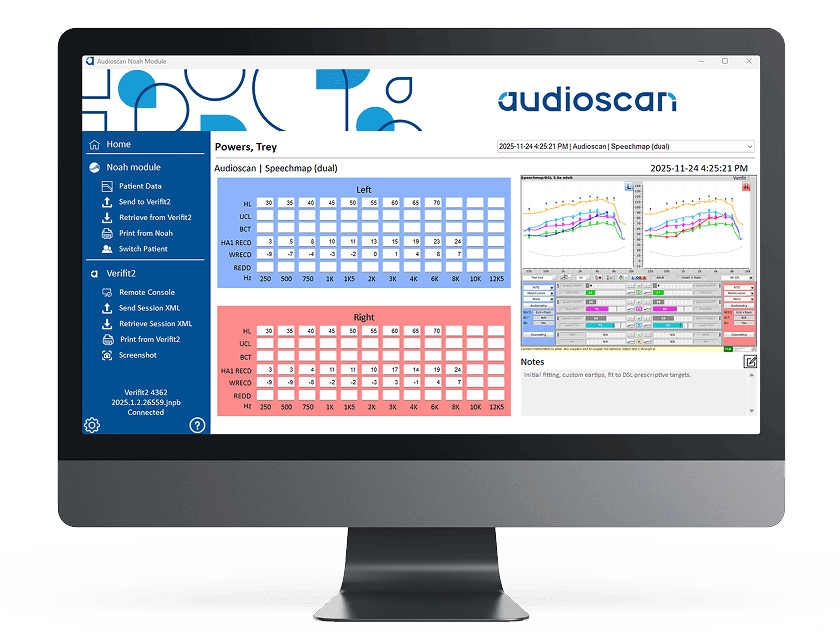
New Audioscan Noah Module
A new user interface and design to optimize efficiency and clinic workflow.
Direct-to-PC Networking
Simplify the networking process by directly connecting the Verifit2 to the PC using a single ethernet cable.
Improved Audiometric Data Entry
Enhanced functionality of entering audiometric data using improved legacy click in graph entry, the addition of a virtual keyboard, or a new expanded graph entry.
Warranty and repairs
Warranty and repairs
Audioscan provides a limited warranty for a period of 2 years from the date of shipment of the instrument.
On replacement parts our warranty covers you for 1 year from the date of shipment. Learn more about our warranty and how you can start a repair.
Find a support for a product
Verifit 2
Noah module
Axiom